

We’re getting into the good stuff now as today marks our look at the player profile section within Soccermanager 23. Just like every other sporting video game, each player has their own unique profile since no 2 players are the exact same. I will be breaking down every single area on this page as much as possible, so let’s get straight into it soccermanagerite.
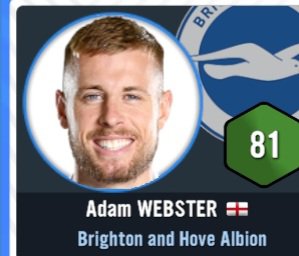
In order to reach this page, you’ll have to click on any player’s name for it to pop up on your screen. The first thing you will see is an image of the player along with his name, rating and squad that he currently plays for within the game:
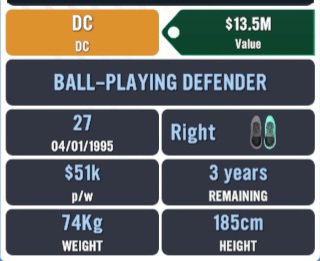
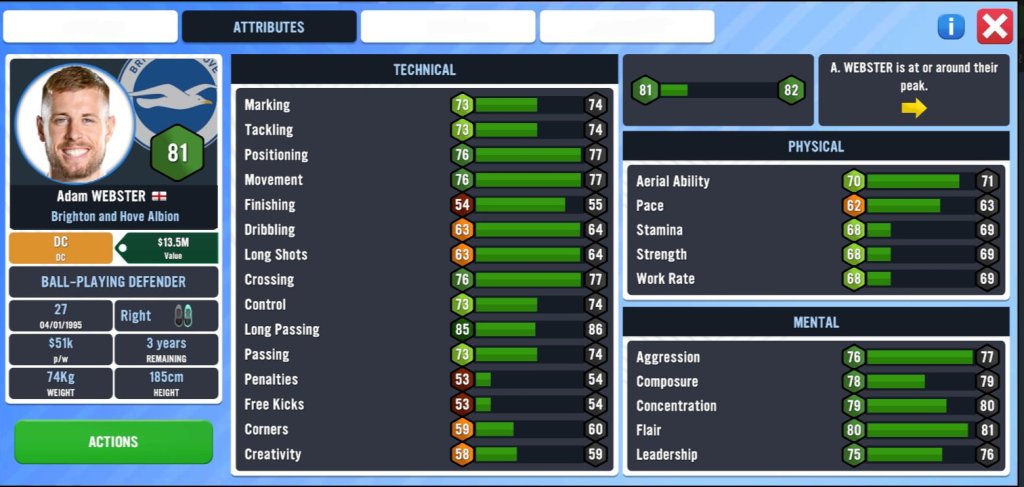
Next, we will see each position the player can comfortably play in, his preferred role and his transfer value. We also get to see his physical characteristics such as his age, predominant foot, weight (in kg) and height (in cm). There is also a showcase of weekly wages and the number of years left on his contract .
Beneath this information, there will be a green ‘action’ button that once pressed will showcase a list of other options that can be done for the player in question. This list consists of things such as moving the player to the reserve team, adding him to the transfer list, adding him to the loan list, comparing him with another player who plays a similar position as him within your squad, offering him a new contract, and releasing the player from his contract. In terms of the most important actions that have an impact on this player within this list, the ‘add to transfer list’ button will negatively impact the player’s morale if he already had a good morale or higher, while the ‘release player’ button can only be completed on certain players who your club believe will be a loss financially if you decide to get rid of him. So, for majority of players within your squad, it is highly unlikely that your Financial Director will allow you to release him without selling him to another club.

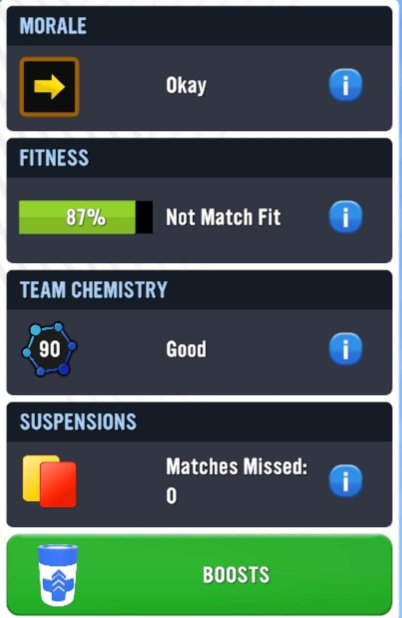
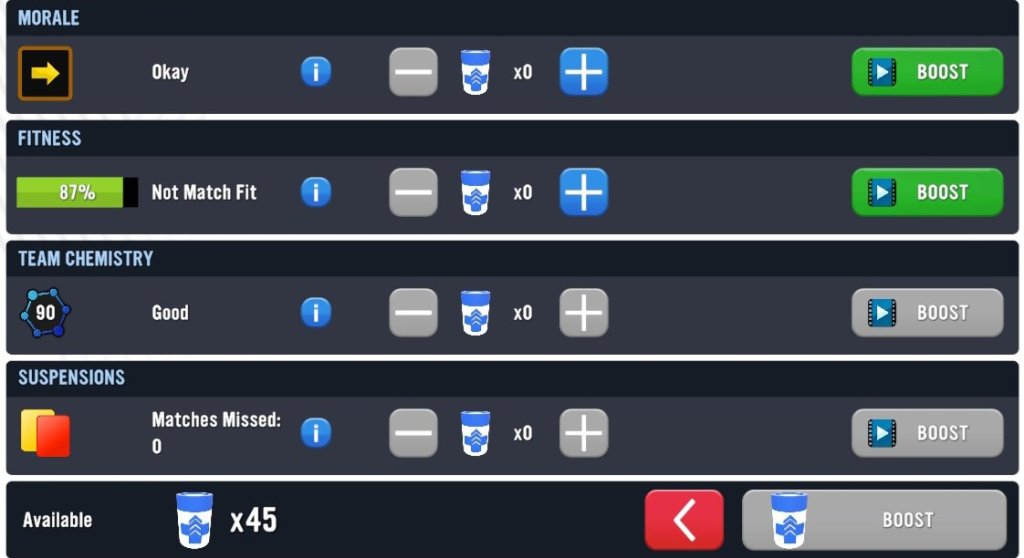
To the right of the page, we are able to see the current morale of the player, his current level of fitness, how much team chemistry he has with the squad, his current suspension situation, as well as the potential to add any sort of boost to the player.
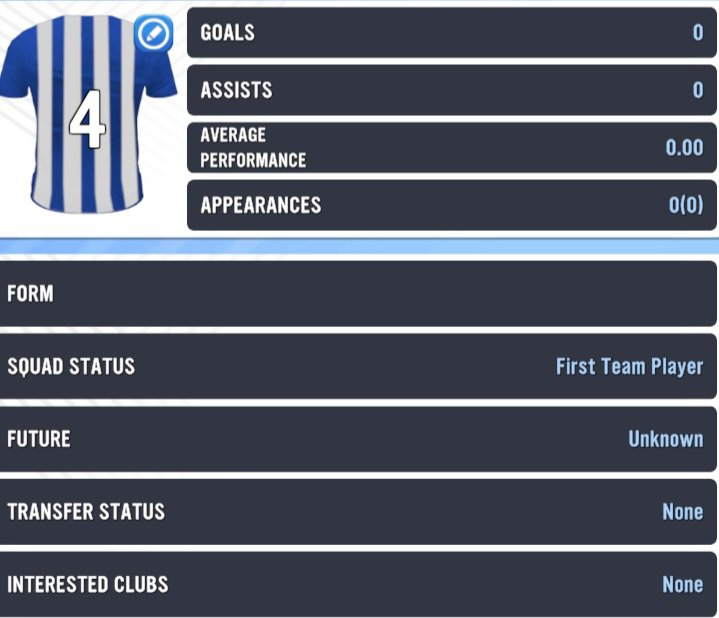
Lastly on this page, we see an image of the player’s kit number (with his current statistics next to it), his current form (which is his match rating out of 10), his squad status, his future (which is determined by his age, rating and the length of time he’s been at the club), his transfer status (whether he is not for sale, available, loan listed etc.), and the number of other clubs that are currently interested in him.
ATTRIBUTES
If you’re new to these blogs then you will probably be unaware that I have recently gone through the entire attribute page within SM23 last season, so I HIGHLY advise that you give Season 4 a read as it is some tremendous insight into every single attribute that you can find within this game since your understanding of each one is absolutely crucial in knowing the types of players that will fit your particular pattern of play.
For the sake of your readership, I will make a brief overview of what this page has to offer. The attributes page is where you can find the elements of a player that makes up his personal capabilities. Each attribute is placed into three different compartments based on what they allow each player to do on the pitch. These three compartments are: Technical Attributes, Physical Attributes and Mental Attributes. Technical attributes are the things that every player can do with the ball at their feet as well as their intelligence as a Soccer player. Physical attributes are a list of off the ball qualities that determine a player’s astute capabilities, while Mental Attributes determine how capable each player is when it comes to the psychological aspect of the game.
There is also a showcase of the player’s current potential at the top right hand corner of the page:
STATS
One thing About SM23 that I have to applaud is their attention to detail in terms of everything that doesn’t have to do with the actual 3D gameplay. On the Stats page within the player profile, you can see the usual statistics of a specific player during the course of the season. Some of the items within these statistics are your common items such as match appearance, goals scored, assists, man of the matches, minutes played, Average performance, yellow and red cards received.
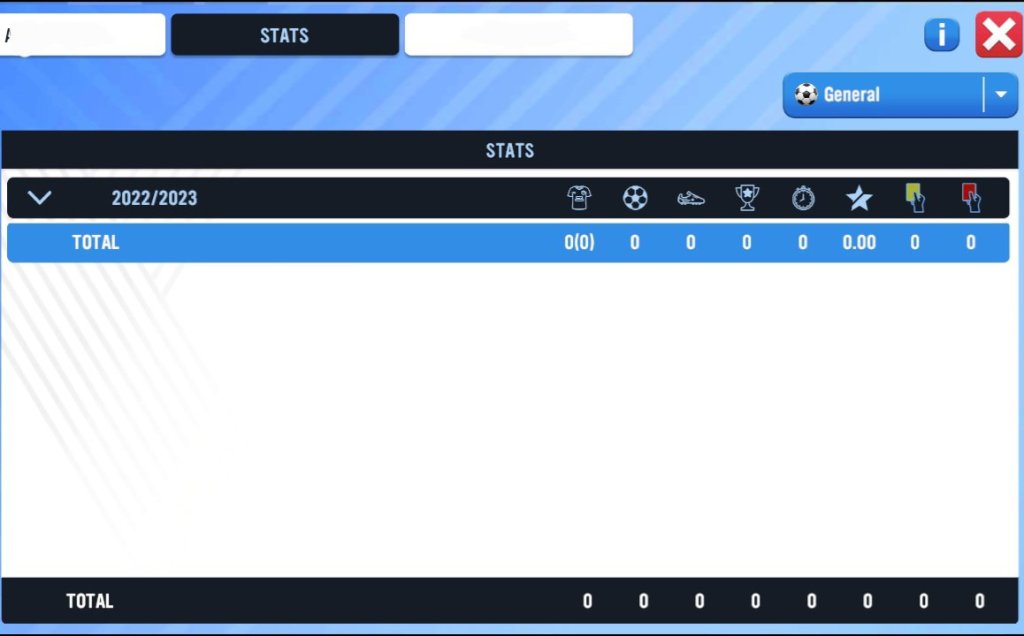
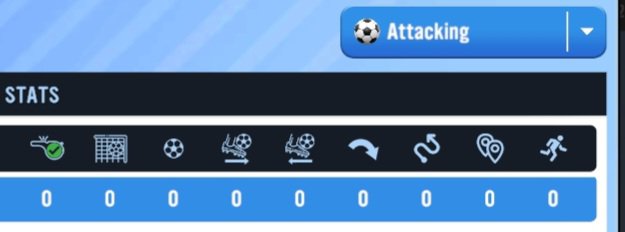
Now, here is where the detail comes in: If you take a look at the top right hand corner of the page, we will see a button marked ‘general’ which indicates the general statistics during the course of a season, but we can get into more detail in terms of different statistics within this game. If we press on this ‘general’ button, we will see the options to check out the ‘attacking’ statistics, and the ‘defending’ statistics (pretty cool, right?)
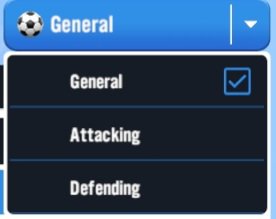
For the attacking Stats, we are able to view things like the number of fouls won, shots on target, goals scored, passes made, passes received, crosses, dribbles, the distance of those dribbles, and the number of sprints completed throughout the course of the season.
For the defending statistics, we can get to see things like the number of fouls conceded, tackles made, challenges won, challenges lost, intercepts, smothers (which I believe is a GK stat), number of clearances, and the number of clean sheets.

We’ll complete today’s episode here soccermanagerite. I hope you’ve been enjoying the content so far and make sure to join us again tomorrow as we wrap up the squad page with the very important squad status and contract information. In a bit✌️
 The Soccermanager Experience